
Prove where the network problem is — in a client-ready PDF
Upload a packet capture and get a PDF for your client, ISP or vendor: where the packet loss, latency or DNS errors come from, the evidence, and fix steps with owners. It also finds threats and cleartext passwords, mapped to MITRE ATT&CK. The capture is uploaded and analyzed in our cloud.
Checking for threats instead? Run a security audit.
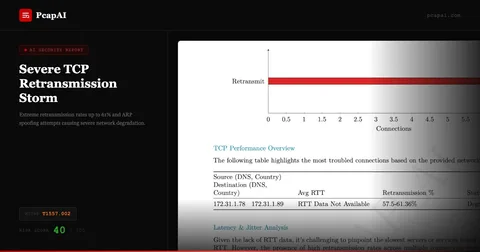
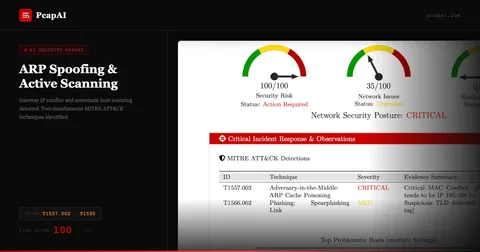
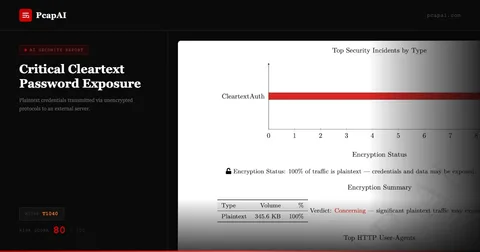
How it works
Upload a capture
.pcap or .pcapng up to 20 MB, no account
Read the free summary
Problems and findings in about two minutes
Get the client-ready PDF
$9: evidence, hosts and fix steps with owners
Troubleshooting and security from one capture
What PcapAI Finds in a Packet Capture
Slow App? Network or Server?
Users say the app is slow and every team blames another. PcapAI runs 100 diagnosis rules on the capture: packet loss and latency per server, slow server answers, DNS and DHCP failures, duplicate IP addresses, broadcast storms, VPN and TLS handshakes that fail, slow file shares and logons. Each problem names the part of the network it comes from and who owns the fix, or shows that the network is fast and the server is not.
See a troubleshooting report See all 100 checks and thresholdsAttacker Activity, Mapped to MITRE ATT&CK
ARP spoofing, DNS tunneling, C2 beaconing, scans, Kerberoasting and DCSync: 69 techniques, each with the rule that fires it published on the coverage page. A slow C2 beacon looks like normal traffic; the detection rules look at timing, volume and protocol details, not just signatures.
See all 69 techniquesPasswords and Session Tokens in Cleartext
HTTP Basic logins, FTP and mail passwords, NTLM and Kerberos material, session cookies sent without encryption. The report lists each exposed account with the secret masked, the hosts involved and what to reset first.
Evidence You Can Check
Every security finding lists the Wireshark frames it rests on and a display filter that selects them. Network problems come with the hosts, the times and the measured values. Findings come from parsers and detection rules, and the report says what the capture could not show. The language model that writes the PDF summary never sees your capture: it gets the findings with IP addresses, numbers and times replaced by placeholders, and the engine fills in the values. The free summary uses no AI at all.
API and MCP for Repeat Work
On the Advanced plan, the REST API uploads captures from your scripts or CI and returns the PDF report. Or analyze PCAPs in Claude Desktop via our MCP server: it uploads the capture for the same server-side analysis.
A PDF You Can Forward
A one-page executive summary, every finding with evidence, fix steps with an owner and a deadline, the capture's SHA-256 and a report ID. Signed-in accounts can print the client's organization and a TLP label on every report.
See a sample reportThe deliverable
What's in the $9 PDF Report
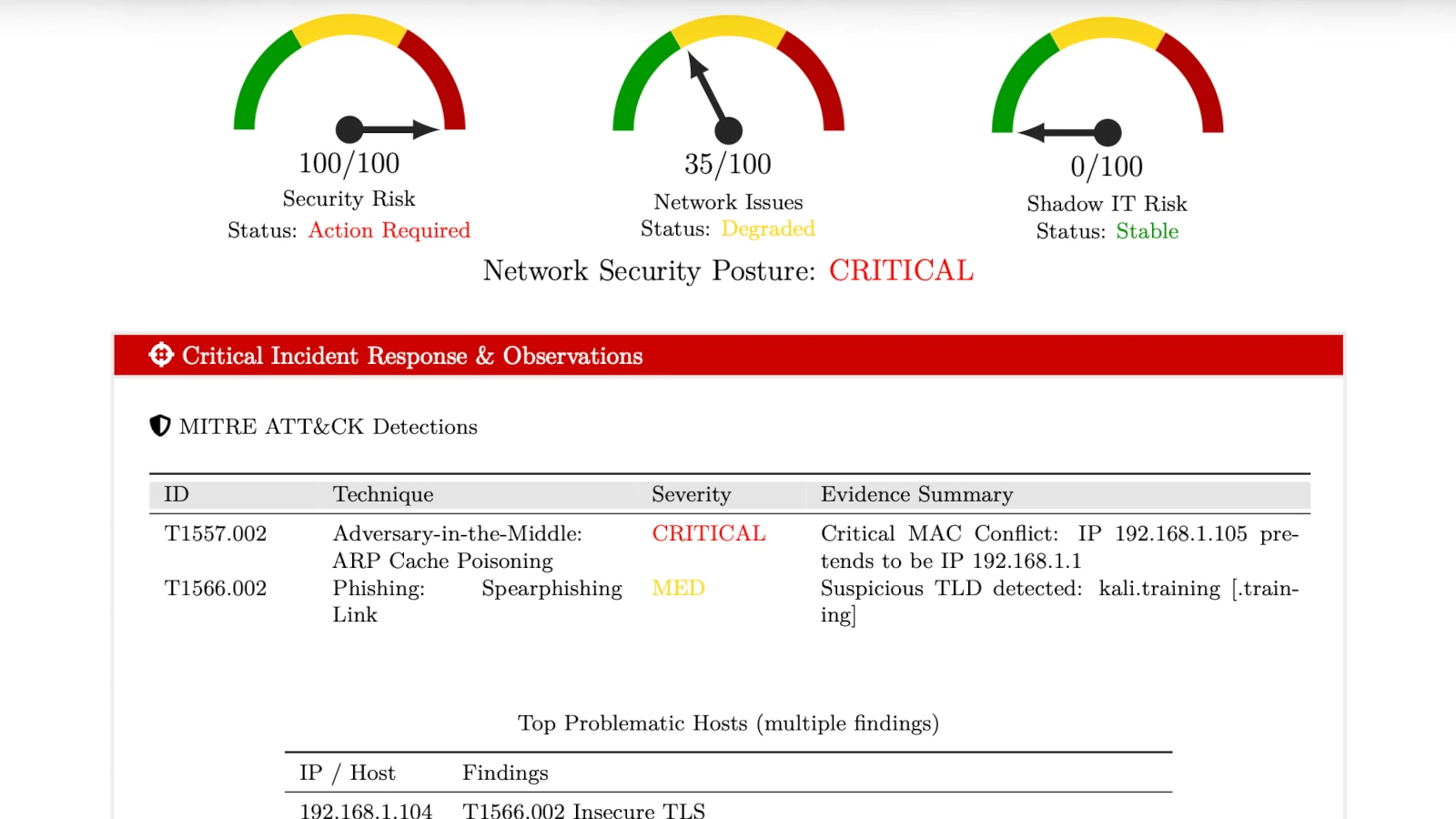
The document your client, ISP or auditor reads. Every PcapAI report has the same structure:
- One-page executive summary: risk or network impact score, findings by severity, recommended actions with owners.
- Every problem or finding with evidence: affected hosts, times and measured values; Wireshark frames and display filters for security findings.
- Remediation roadmap: from "immediately" to "strategic", each step with an owner and a way to verify it.
- Coverage: which areas were checked and clean, and which the capture could not assess, with the reason.
- Assets and capture quality: the hosts and external destinations, how good the capture was, and what to capture next.
- Evidence integrity: the capture's SHA-256, the engine and ruleset versions, and a report ID.
Nothing found? You see that for free. Not useful? Full refund within 7 days.
Not Sure It's Worth It?
Upload any PCAP — the summary is free. If PcapAI finds problems or threats, the full PDF with evidence and fix steps is $9, refundable in full within 7 days.